Privacy & security
AdFree AppLock: App Locker
Lock any app. No ads, ever.
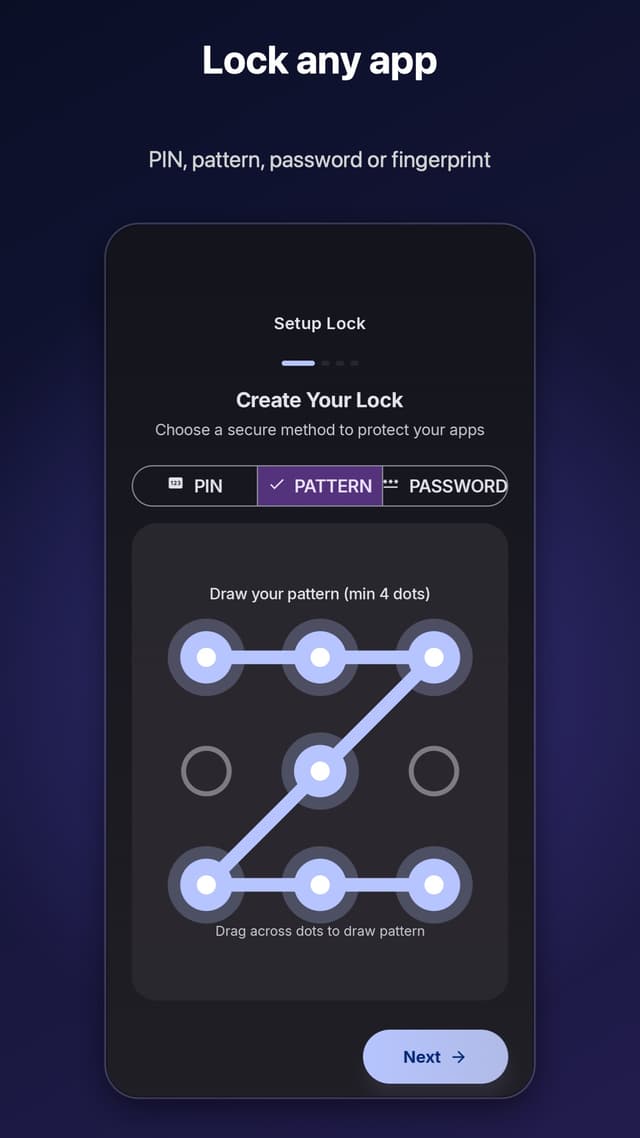
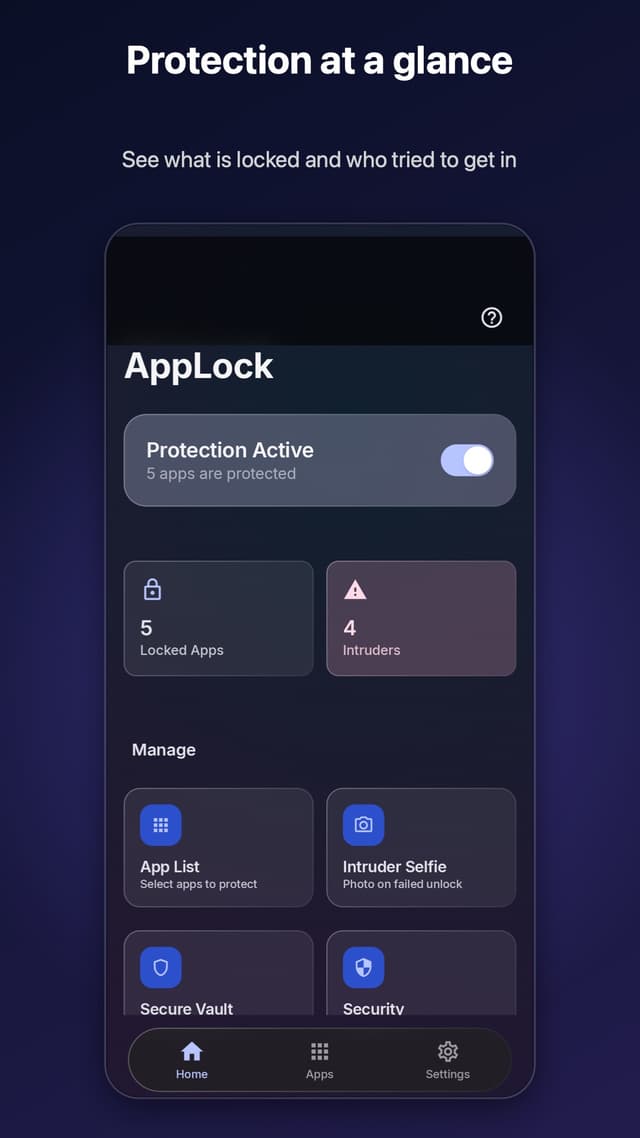
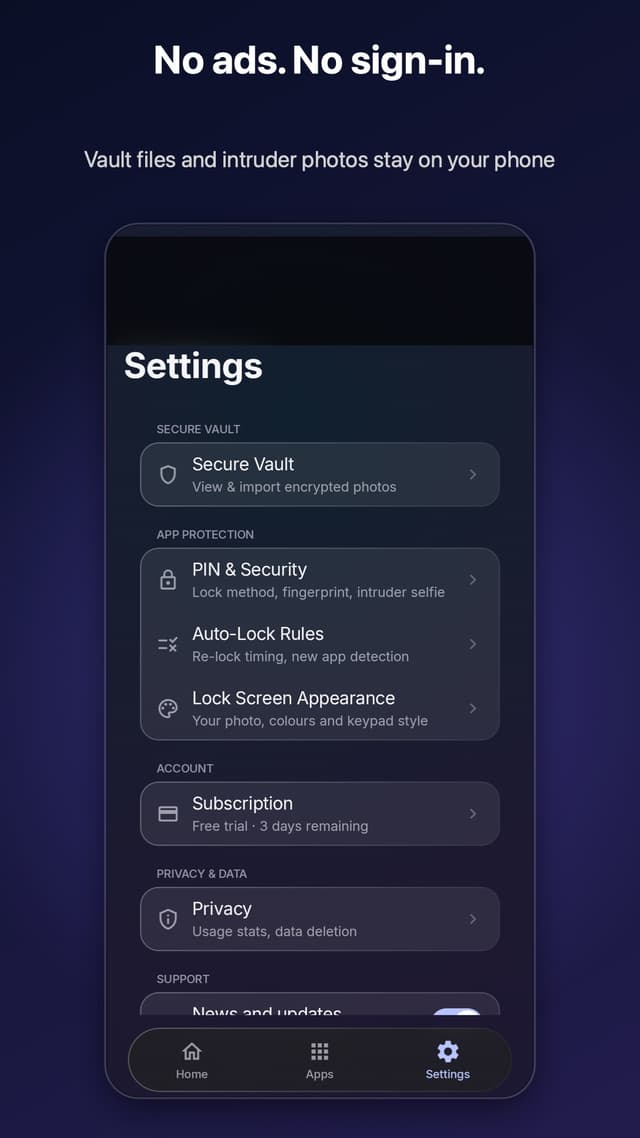
AdFree AppLock locks any app behind a fingerprint, PIN, pattern or password, hides private photos in an AES-256 vault, and photographs whoever gets the PIN wrong. No ads, no ad SDK and no sign-in, and your vault and intruder photos never leave your phone.
Get it on Google PlayFree with in-app purchases
- Rating
- 3.6 (68)
What it does
- Lock any app with a 4-digit PIN, a pattern, a password or your fingerprint
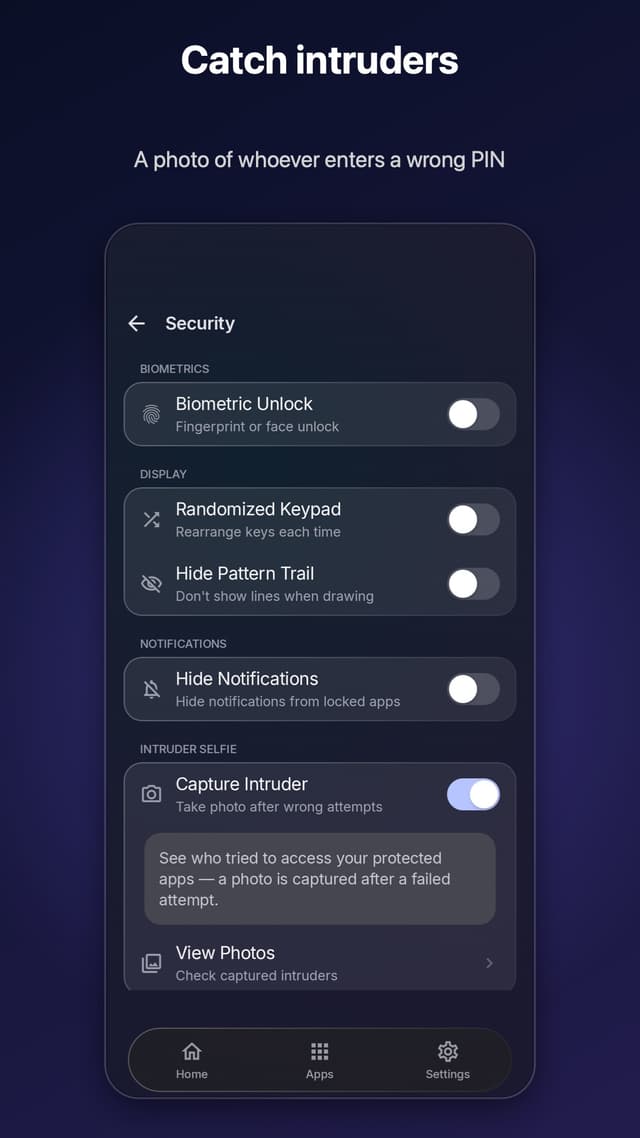
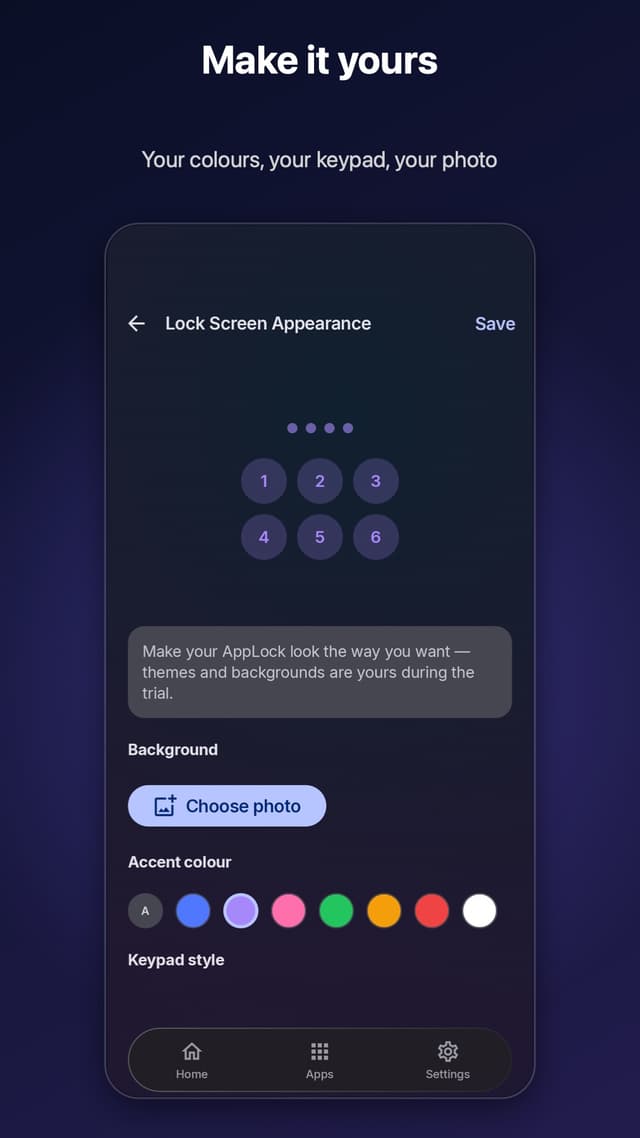
- Randomised keypad so nobody reads your PIN over your shoulder
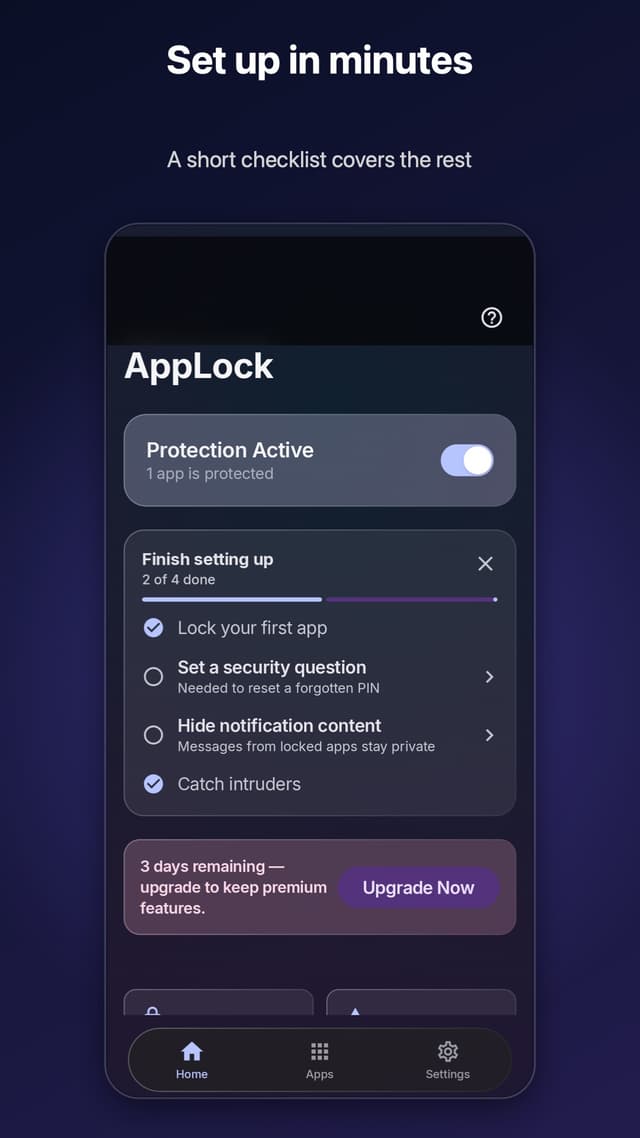
- Intruder selfie: a silent front-camera photo on a wrong PIN
- AES-256 encrypted photo and video vault, hidden from the gallery
- Fake crash screen, hidden notification content, uninstall protection
- Lock a whole category — Social, Finance or Messaging — in one tap
How your data is handled
Your PIN, locked-app list, vault files and intruder photos never leave the device. The app sends crash reports and, unless you turn it off, anonymous usage analytics to Google Firebase — no name, account or advertising ID. Credentials are hashed with PBKDF2 (210,000 iterations) and vault files encrypted with Android Keystore AES-256.
Questions
- Does AdFree AppLock show ads?
- No — that is the point of it. There are no ads and no ad SDK, and the app does not use the Android advertising ID. It does send crash reports and, unless you switch it off in Settings, anonymous usage analytics to Google Firebase; its privacy policy and Play Data Safety section list exactly what.
- Where are my locked photos stored?
- In an AES-256 encrypted vault on your own device, using the Android Keystore. They never leave the phone. Your PIN or password is hashed with PBKDF2 at 210,000 iterations, not stored.
- Why does it need Usage Access and Display Over Apps?
- Usage Access lets the app detect which app has come to the foreground so it can show the lock screen; Display Over Apps draws that lock screen. Both are core to locking apps at all. Camera access is optional and used only for the intruder selfie.
- Can I use a longer PIN?
- PINs are 4 digits. For a longer secret, choose a password (6 characters or more) or a pattern instead — both work everywhere a PIN does.